
Can you still buy an APC extended warranty pack after your UPS warranty has expired? Here’s how the continuity window, inspections, and costs actually work in India.
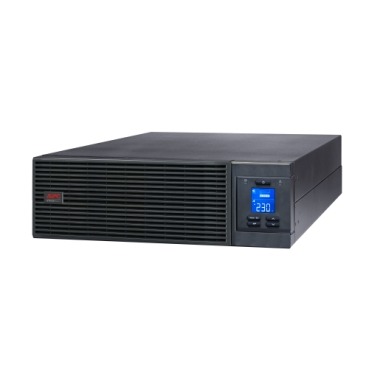
Can you still buy an APC extended warranty pack after your UPS warranty has expired? Here’s how the continuity window, inspections, and costs actually work in India.

Walk into any electronics shop or browse online, and you’ll see dozens of APC Line-R models with different numbers, displays, and claims printed on the box. Most Indian buyers end
Should you add an isolation transformer to your APC online UPS? Here’s when Indian server rooms and businesses actually need one — and when you can skip the cost.
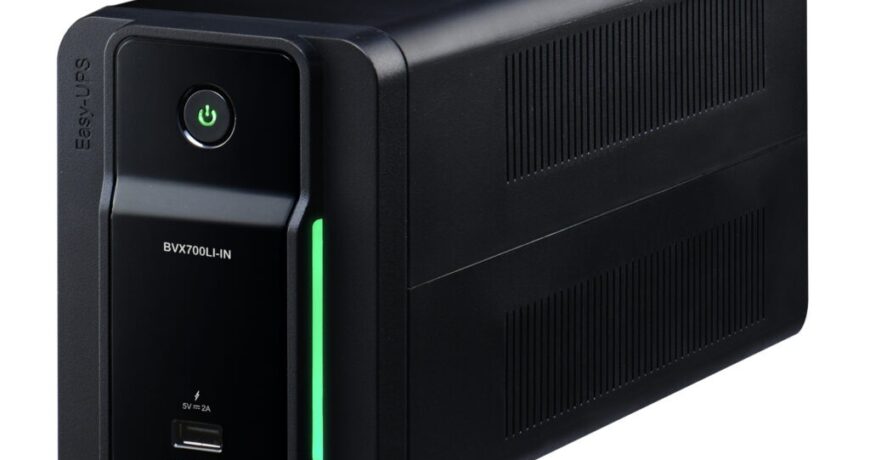
Comparing APC Back-UPS lead-acid models with the lithium-ion Easy-UPS BVX? Here’s a practical India buying guide on cost, lifespan, heat and space.
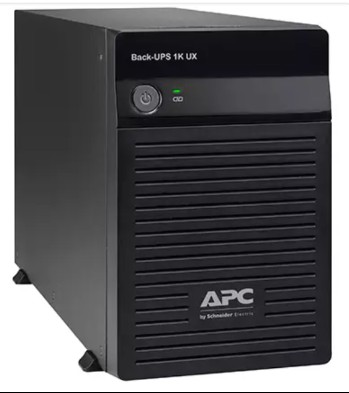
Thinking of buying a spare APC RBC battery ahead of time? Learn safe shelf life, storage conditions, and charging steps before installation in India.
What does an APC extended warranty pack actually exclude? A practical checklist covering physical damage, batteries, overload and misuse before you buy in India.
APC Line-R vs servo stabilizer: which voltage protection technology suits Indian homes and offices better? A practical, India-specific comparison to help you decide.
Not all APC Smart-UPS models are online. Compare SRT, SMT and SMC topology, transfer time and use cases to pick the right one for your server room in India.
connection.Quick Pre-Installation ChecklistItemWhat to VerifyElectricalDedicated circuit, correct MCB rating, stable earthSpaceRack/floor clearance, door and lift access for battery packsEnvironmentAmbient 20-25°C, ventilation or AC, no direct sunlightLoad listCritical loads only on UPS output, headroom for growthDocumentationWarranty terms, AMC/onsite service availabilityLine-interactive units like this Back-UPS suit desks and small offices — but a true server room needs the double-conversion protection of an online UPS.Ordering for a Business: Get It Quoted ProperlyOnce the room is verified, ordering the right online UPS along with matching batteries or an extended warranty pack shouldn’t require back-and-forth emails with a salesperson. You can build a numbered, GST-inclusive quotation yourself — including freight — in about a minute using our instant quotation builder, which is useful when you need a formal document for internal approval or a tender.FAQsCan I install an online UPS in a normal office room without AC?You can for small units (1-3kVA) for short periods, but sustained 24×7 operation above 30°C ambient will shorten battery life significantly and may trigger thermal shutdowns on larger units. Dedicated cooling is strongly recommended for anything running critical servers.Does the UPS need its own earth pit, or can it share the building’s earth?It can share the building’s main earth as long as resistance is within code limits and the connection is solid and dedicated — the key requirement is a stable neutral-earth reference, not necessarily a separate pit.How much floor space should I leave for future battery expansion?If you expect to add an Extended Battery Module later for longer runtime, leave at least the footprint of one additional EBM cabinet next to the UPS, plus clearance for cabling and airflow.Should I size the online UPS for the whole office or just the server rack?Just the critical rack — servers, switches, firewalls, NAS. Non-critical loads like printers and desktop monitors are better served by a separate line-interactive UPS, which keeps your online UPS sizing efficient and cost-effective.
Essgi Infotech Private Limited | Premier Partner | APC UPS Service Center
estorewale — APC India Partner Store
Essgi Towers, #19, 6th Main Road, Maruthi Extension,
Bengaluru, Karnataka 560021, India
Phone: +91 95139 96931
Email: [email protected]
Hours: Mon–Sat, 9:30 AM – 6:00 PM IST
Official resources: APC by Schneider Electric · Schneider Electric India