
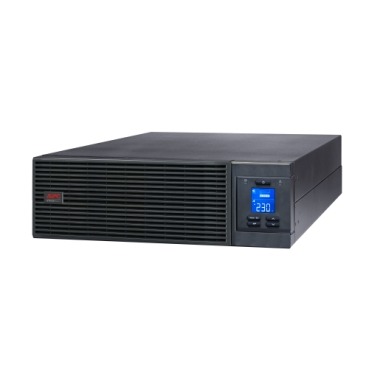
If you are buying an online UPS for a server rack, switch stack, NVR cabinet or a small data closet, the single biggest mistake is guessing the VA rating. Buy too small and the UPS overloads and shuts down when a few servers spin up together. Buy too large and you have paid for capacity you will never use — plus a heavier battery bank to maintain. This guide walks Indian IT buyers through sizing an APC online (double-conversion) UPS correctly, factoring in real Indian conditions like wide voltage swings, frequent outages and warm server rooms.

Why online (double-conversion) for a server rack?
Line-interactive UPS units (like the APC Back-UPS Pro BR or Smart-UPS SMV) are excellent for desktops and small office loads. But a rack full of servers, storage and switches usually needs a true online double-conversion UPS. Here’s why it matters in India:
- Zero transfer time: The load always runs off the inverter, so there is no break when grid power fails — critical for storage arrays and hypervisors.
- Perfect pure sine wave + voltage regulation: Indian mains can swing from 170V to 260V. An online UPS rebuilds clean 230V regardless of input, protecting power supplies.
- Frequency correction: Useful when running on noisy DG (generator) backup, which servers and some PSUs dislike.
If your load is just one or two desktops, a line-interactive UPS is more cost-effective. The moment you have shared business-critical infrastructure in a rack, step up to online.
Step 1: Add up your real load in watts
UPS capacity is quoted in VA (volt-amps) and W (watts). Modern online APC units have a power factor near 0.9–1.0, so watts is the number that limits you. List every device and its actual draw (nameplate ratings are usually inflated):
| Device | Typical real draw |
|---|---|
| 1U rack server (entry) | 120–250 W |
| 2U server with multiple drives | 300–500 W |
| NAS / storage (4–8 bay) | 60–120 W |
| Network switch (24/48 port PoE) | 80–400 W |
| Firewall / router | 20–60 W |
| NVR + 16 cameras | 120–200 W |
| KVM / monitor | 30–60 W |
Add them up to get your total continuous watts.
Step 2: Add a headroom buffer
Never load a UPS to 100%. Aim to run at 60–75% of the UPS’s rated watts. This protects against startup surges (servers and disks pull more on boot), gives room to add equipment later, and keeps batteries from being stressed. The formula:
- Total continuous watts ÷ 0.7 = required UPS watt rating
- Pick the next APC online model above that number
Example: A rack draws 1,800 W continuous. 1,800 ÷ 0.7 = ~2,570 W. You’d choose a 3 kVA online UPS (≈2,700 W usable), not a 2 kVA.
Step 3: Match VA/kVA to common APC online models
| Rated capacity | Usable watts (approx) | Good for |
|---|---|---|
| 1 kVA online | ~800–900 W | 1 small server + switch + NAS |
| 2 kVA online | ~1,600–1,800 W | 2–3 servers, switch, firewall |
| 3 kVA online | ~2,400–2,700 W | Small rack, NVR + storage |
| 6 kVA online | ~5,400 W | Half-populated rack |
| 10 kVA online (e.g. SRV10K) | ~10,000 W | Full rack / data closet |
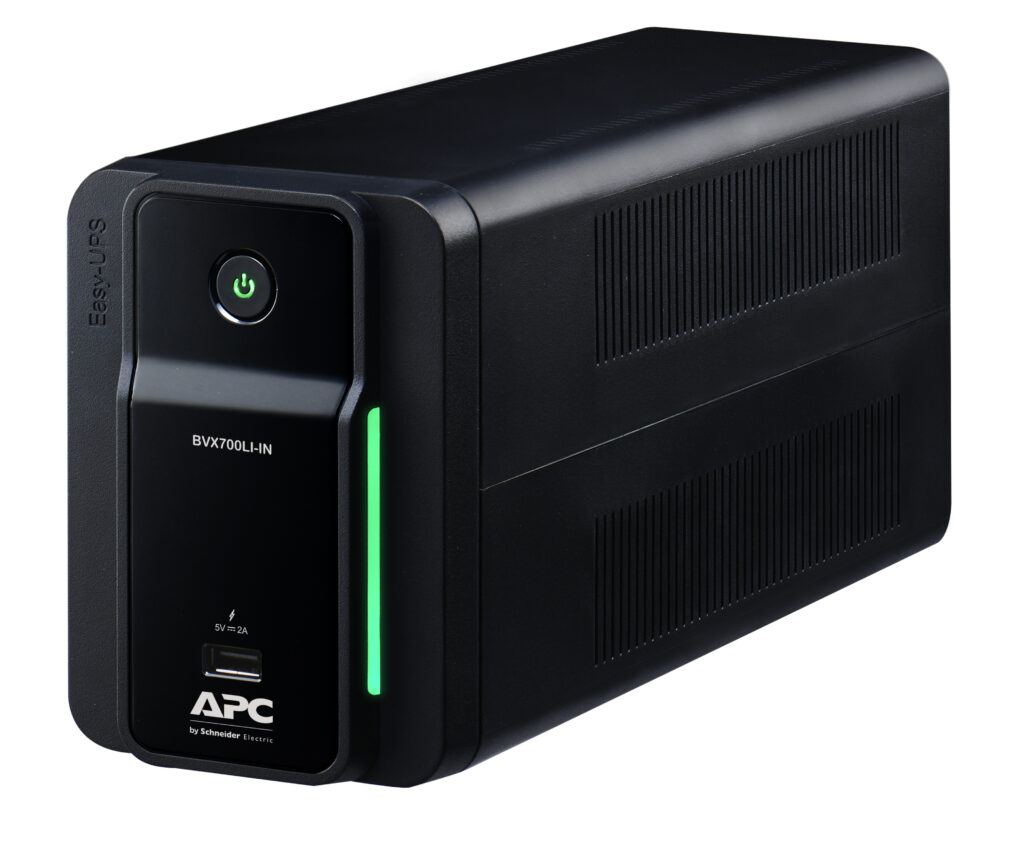
Browse the full range of APC online UPS systems to match capacity and form factor (tower vs rack-mount) to your cabinet.
Step 4: Plan runtime, not just capacity
VA sizing determines how much load you can run; battery sizing determines how long. In India, where outages can last 30 minutes to several hours, decide your goal:
- Ride-through + safe shutdown only (5–15 min): Standard internal batteries are enough if a DG set takes over. Configure network cards to trigger graceful OS shutdown.
- Extended runtime (30 min – 2 hr): Add external battery packs (EBM). Online models scale runtime by stacking battery modules.
Remember that runtime is not linear — doubling the load more than halves backup time. Keep batteries healthy and replace them on schedule; genuine APC RBC replacement cartridges keep your rated runtime intact.
Step 5: Don’t forget the environment
Battery life roughly halves for every 10°C above 25°C. A hot, unventilated server closet in an Indian summer will kill batteries fast. Keep the room cooled and ventilated, and size with the understanding that 35°C+ rooms shorten battery service life. Also ensure your incoming circuit and isolation transformer (if used) can deliver the UPS’s full input current.
Quick sizing checklist
- List all devices and their real watt draw.
- Sum continuous watts.
- Divide by 0.7 for headroom.
- Pick the next online UPS rating above that.
- Decide ride-through vs extended runtime; add EBMs if needed.
- Confirm rack form factor, input circuit and room cooling.
Frequently asked questions
Can I use a line-interactive Smart-UPS instead of an online UPS for my rack?
For a couple of low-power devices, yes. But for multiple servers, storage and PoE switches — especially where you run on a generator or face severe voltage swings — a true online UPS with zero transfer time and full voltage/frequency regulation is the safer, more reliable choice.
What’s the difference between VA and watts when sizing?
VA is the apparent power; watts is the real power your equipment consumes. For modern IT loads with power-factor-corrected supplies, plan around the watt rating. Always check both the VA and W figures on the UPS spec sheet and size to whichever you hit first — usually watts.
How much extra capacity should I leave for future growth?
Running at 60–70% load gives a healthy buffer. If you expect to add servers within a year, size for the projected load, not just today’s. It is cheaper than replacing the UPS later.
Do I need software for safe shutdown?
Yes. Pair the online UPS with a network management card and APC’s shutdown software (PowerChute) so that, when batteries reach a threshold, all servers and VMs shut down gracefully instead of crashing. This prevents data corruption during long Indian outages.
Size carefully once, and a properly chosen online UPS will quietly protect your rack for years. When in doubt, list your load and round up — clean, uninterrupted power is far cheaper than a corrupted database.
Shop what this guide covers
- Which APC UPS for Servers & Server Racks?Load table, VA sizing and the genuine APC units we stock for it.
- Genuine APC RBC replacement batteriesFactory-sealed APC Replacement Battery Cartridges with full manufacturer warranty.
- APC Back-UPS — for home & small officeLine-interactive UPS for desktops, Wi-Fi routers, CCTV and billing machines.
- APC Smart-UPS & online UPSDouble-conversion, pure sine-wave power for servers, racks and critical loads.
What size UPS do I need? »Find the battery for my UPS »Ask us on WhatsApp
Related guides
- Standard Runtime vs Long Runtime APC Smart-UPS Online: Which Should You Buy for Your Server Room? (India 2026)
- How Long Will Your APC Smart-UPS Online Really Last? Runtime vs Load Guide for Indian Server Rooms (2026)
- Zero Transfer Time: Why It Matters When Buying an APC Online UPS for Your Server (India 2026)
- APC Smart-UPS Online Running Costs in India: Double-Conversion Efficiency, ECO Mode & Electricity Bills Explained (2026)
- APC Smart-UPS SRT vs SMT vs SMC: Which One Is Actually Online? (India Buying Guide 2026)
All UPS & power-backup guides · APC battery replacement chart · APC UPS dealer in your city