
Wondering if your APC Smart-UPS needs a Network Management Card? Here’s how remote monitoring works and who really needs it for Indian server rooms.
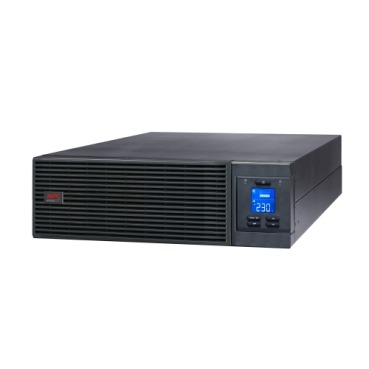
Wondering if your APC Smart-UPS needs a Network Management Card? Here’s how remote monitoring works and who really needs it for Indian server rooms.
A practical guide for Indian businesses buying APC extended warranty across multiple UPS units — asset tracking, pack matching, and consolidated quotations.
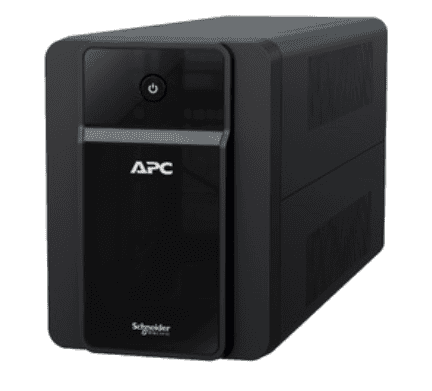
A practical, step-by-step checklist for first-time buyers on choosing the right APC Back-UPS in India — VA sizing, BX vs BR, outlets, battery type and warranty.
Not all APC UPS units run on one battery. Learn how to check whether your model needs a single RBC or a multi-battery pack before replacing it in India.
Step-by-step guide to filing an APC extended warranty claim in India — documents needed, what’s covered, common rejection reasons, and home vs business AMC differences.
When Indian households start shopping for voltage stabilizers, a common question comes up almost immediately: should you buy one large stabilizer for the entire house, or a separate APC Line-R
Skip the guesswork — learn how to measure your real wattage load with a plug-in meter, convert it to VA correctly, and match it to the right APC Back-UPS model in India.
Two RBC batteries can look identical but perform very differently — here’s how to check manufacture date, read date codes, and avoid old stock before buying a replacement APC battery in India.
know which UPS it belongs to. When you buy a WBEXTWAR-XX or WEXTWAR-XX pack, APC’s system only sees a transaction. It has no idea which physical UPS in your office or home this warranty is meant to protect until you register it, entering the UPS serial number and the pack’s own certificate/activation code. Until that linking step is done, the extension technically doesn’t exist from a claims standpoint — even though you’ve paid for it.Step-by-Step: Registering Your Extended Warranty PackLocate two numbers first: the serial number of your UPS (on the rear label or in the front-panel display menu) and the activation/certificate number printed on the warranty pack’s card or invoice.Go to the APC warranty registration portal (linked from your invoice or the pack’s documentation) and choose
Essgi Infotech Private Limited | Premier Partner | APC UPS Service Center
estorewale — APC India Partner Store
Essgi Towers, #19, 6th Main Road, Maruthi Extension,
Bengaluru, Karnataka 560021, India
Phone: +91 95139 96931
Email: [email protected]
Hours: Mon–Sat, 9:30 AM – 6:00 PM IST
Official resources: APC by Schneider Electric · Schneider Electric India