
Confused about how long your APC RBC replacement battery is actually covered for? Here’s what’s included, what’s excluded, and how to claim in India.
Confused about how long your APC RBC replacement battery is actually covered for? Here’s what’s included, what’s excluded, and how to claim in India.
Confused why APC extended warranty prices vary so much? Learn the real factors — UPS type, VA rating, duration, service type — before you buy in India.

Sizing a Line-R stabilizer by running watts alone is the #1 mistake Indian buyers make. Here’s how to size correctly using starting surge for fridges, ACs and pumps.
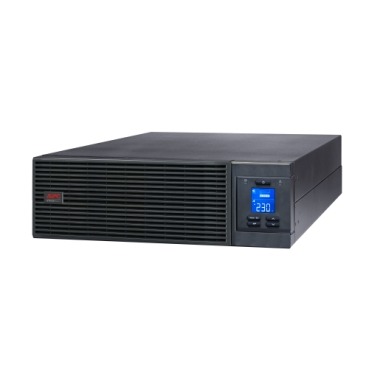
Runtime drops fast as load rises on any APC Smart-UPS online system. Here’s how Indian buyers should calculate real backup time before buying.
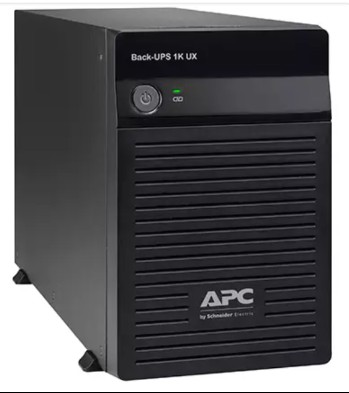
Confused by APC Back-UPS codes like BX600C-IN or BVX700L-IN? Here’s what every letter and number means, decoded for Indian home and office buyers.
F1, F2 or bolt-on? Learn the APC RBC terminal types used across Back-UPS and Smart-UPS models in India, and how to confirm the right fit before buying.
Every year, Indian homes lose refrigerators, microwave inverters, and air-conditioner PCBs not to the stabilizer failing, but to the stabilizer being installed wrong. The single most overlooked requirement is proper
If you’re comparing an APC Smart-UPS or Easy-UPS Online against a line-interactive unit, price and VA rating aren’t the only numbers that matter — the online UPS running cost over
Learn the ideal load percentage for an APC Back-UPS before you buy — avoid overload, protect battery life, and size with the right headroom for Indian homes and offices.
Essgi Infotech Private Limited | Premier Partner | APC UPS Service Center
estorewale — APC India Partner Store
Essgi Towers, #19, 6th Main Road, Maruthi Extension,
Bengaluru, Karnataka 560021, India
Phone: +91 95139 96931
Email: [email protected]
Hours: Mon–Sat, 9:30 AM – 6:00 PM IST
Official resources: APC by Schneider Electric · Schneider Electric India